
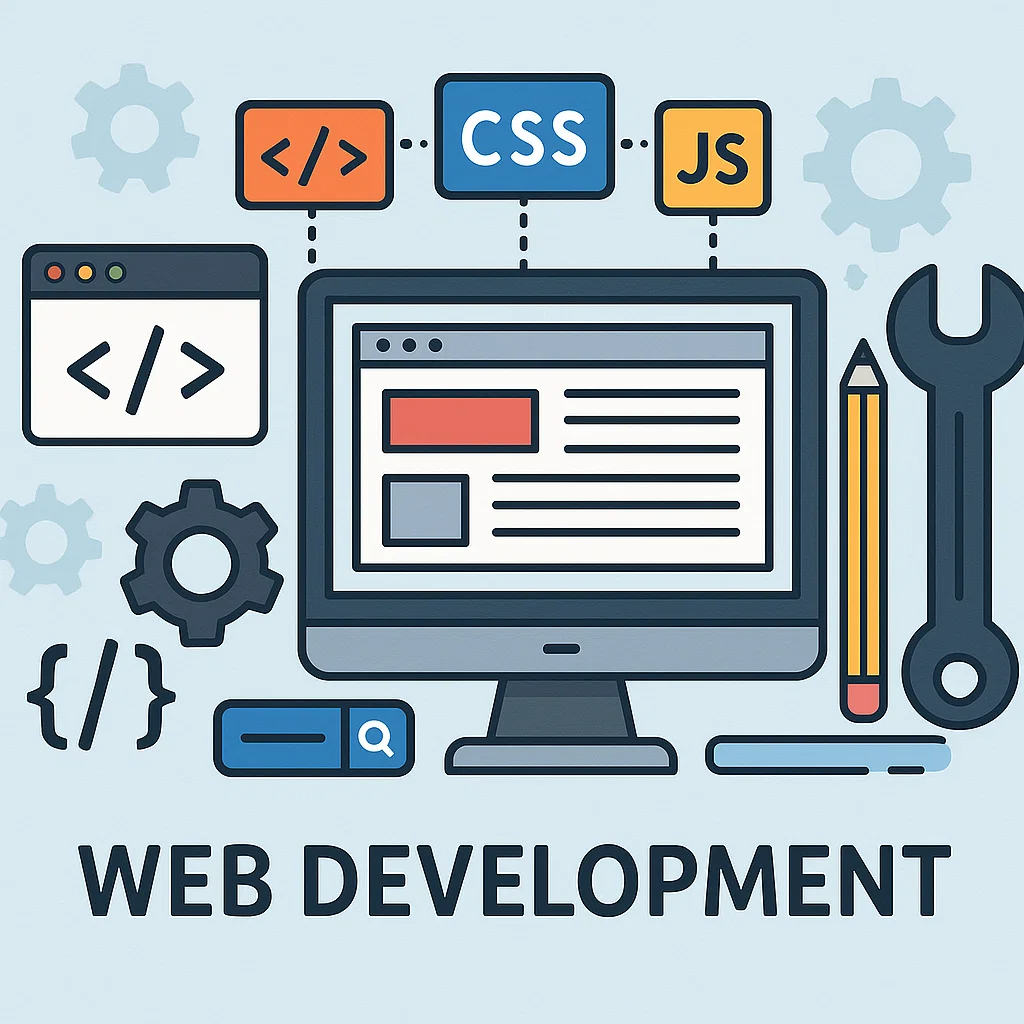
In today’s digital-first world, websites have become the backbone of businesses, personal brands, and online communities. Whether it’s a small business, a personal portfolio, or a large-scale e-commerce store, every organization needs a strong online presence to survive and thrive. At the center of all this lies web development — the process of building, designing, and maintaining websites.
For beginners, the idea of becoming a web developer may seem overwhelming. You might wonder: Do I need a degree? Which programming languages should I learn first? What tools and platforms are essential? How do I practice?
The good news is that anyone can learn web development with the right roadmap, persistence, and access to online resources. This guide is designed to walk you step by step through the basics of web development, where to start, and how to grow your skills until you can create your own projects or even pursue a professional career.
What is Web Development?
Before diving in, let’s clear up what web development actually means.
Web development is the process of creating websites and web applications that run on the internet. It covers two major areas:
- Frontend Development – Everything the user sees and interacts with (design, layout, colors, buttons, animations, forms).
- Backend Development – The behind-the-scenes part that powers websites (servers, databases, APIs, and logic that make everything work).
A full-stack developer is someone who can handle both frontend and backend. But as a beginner, you should focus on the basics of frontend first, then gradually move into backend concepts.
Summary Table: Web Development for Beginners
| Learning Area | Experience Needed | Prerequisite Knowledge | What You’ll Learn / Focus On | Estimated Time to Learn | Resources |
|---|---|---|---|---|---|
| HTML & CSS | 0–1 month | Basic computer skills | Structure & styling of web pages | 1–2 months | W3Schools, MDN |
| JavaScript Basics | 0–2 months | HTML/CSS basics | Interactivity, DOM manipulation, ES6 syntax | 2–3 months | FreeCodeCamp, Codecademy |
| Responsive Design | 0–2 months | HTML, CSS basics | Mobile-first design, Flexbox, Grid | 1–2 months | MDN, YouTube |
| Git & GitHub | 0–1 month | None | Version control, Collaboration basics | 2–4 weeks | GitHub Docs |
| Frontend Frameworks (React) | 2–4 months | JavaScript fundamentals | Components, State, Routing | 3–4 months | React Docs, Scrimba |
| Backend Basics (Node.js) | 3–6 months | JavaScript basics | APIs, Server setup, Express.js | 3–5 months | Node.js Docs |
| Databases (SQL/MongoDB) | 3–6 months | Backend basics | Storing & retrieving data | 2–4 months | MongoDB Docs, SQLBolt |
| Deployment & Hosting | 4–8 months | Backend + Databases | Hosting apps on cloud (Netlify, Vercel, AWS) | 1–2 months | Netlify, Vercel |
| Full-Stack Project Building | 6–12 months | All above combined | Real-world apps, Portfolio projects | Ongoing | Personal practice, GitHub |
| Career Prep (Internships, Freelance) | 8–12 months | Full-stack basics | Resume, Projects, Networking | Ongoing | LinkedIn, Upwork |
Why Learn Web Development?
Here are some solid reasons why web development is a great skill to learn:
- High Demand – Every company needs websites and applications. Skilled developers are always in demand.
- Freelance Opportunities – You can work remotely, build websites for clients, or even start your own web agency.
- Creative & Logical Balance – It combines problem-solving with creativity, making it suitable for both analytical and artistic minds.
- No Formal Degree Required – Unlike traditional careers, you don’t need a computer science degree. You can learn everything online.
- Good Income Potential – From freelance gigs to full-time jobs, web development offers competitive pay.
Step 1: Learn the Basics of the Web
Before coding, you need to understand how the web works.
- What happens when you type a URL in a browser?
The browser sends a request to a server, which responds with the files needed to display the website. - What is a domain name and hosting?
A domain (likeexample.com) is the website’s address. Hosting is where your website files are stored. - What is a browser?
It’s software like Chrome, Firefox, or Safari that interprets your website code and displays it to users.
This foundational knowledge helps you understand the bigger picture as you learn coding.
Step 2: Start with HTML – The Structure
The first step in web development is learning HTML (HyperText Markup Language).
- Purpose: HTML provides the structure of a website.
- Example: Headings, paragraphs, images, and links.
Step 3: Learn CSS – The Design
Once you know how to structure content with HTML, it’s time to style it using CSS (Cascading Style Sheets).
Step 4: Learn JavaScript – The Interactivity
With HTML and CSS, you can create static pages. But to make your website dynamic (like dropdown menus, image sliders, or form validation), you need JavaScript.
Step 5: Understand Responsive Design
Most people browse websites on their phones. That’s why learning responsive design is crucial.
- Use CSS Flexbox and Grid for layouts.
- Learn media queries to adjust designs for mobile screens.
- Explore frameworks like Bootstrap or Tailwind CSS to speed up styling.
👉 Build a mobile-friendly website that looks good on any device.
Step 6: Version Control with Git & GitHub
As your projects grow, managing code changes becomes important. That’s where Git comes in.
- Git – A version control system to track code changes.
- GitHub – A platform to store and share your code with others.
👉 Learn how to:
- Initialize a repository
- Commit changes
- Push code to GitHub
Step 7: Learn Backend Development
Once you’re comfortable with frontend, start exploring the backend.
Key Backend Concepts:
- Servers – Computers that deliver your website to users.
- Databases – Store user information, posts, products, etc.
- APIs – Connect different applications together.
Popular Backend Languages:
- JavaScript (Node.js)
- Python (Django, Flask)
- PHP (Laravel, WordPress)
- Ruby (Rails)
- Java (Spring Boot)
👉 Beginners often start with Node.js since it uses JavaScript (which you already know).
Step 8: Learn Databases
Websites often need to store and retrieve data (e.g., user accounts, blog posts, orders).
- SQL Databases (Relational): MySQL, PostgreSQL
- NoSQL Databases: MongoDB, Firebase
👉 Practice building a simple app like a to-do list that saves tasks in a database.
Step 9: Explore Frameworks & Libraries
Frameworks and libraries help speed up development.
- Frontend Frameworks: React, Vue, Angular
- Backend Frameworks: Express.js, Django, Laravel
- Styling Frameworks: Tailwind CSS, Bootstrap
👉 For beginners, React (frontend) + Node.js/Express (backend) is a powerful combo.
Step 10: Build Projects
Learning theory isn’t enough — practice is everything. Start with small projects, then scale up.
Beginner Projects:
- Personal Portfolio Website
- Blog Page
- To-do List App
- Calculator
Intermediate Projects:
- E-commerce Store
- Chat Application
- Weather App using API
- Blog CMS
👉 Showcase these on GitHub and deploy them online.
Step 11: Learn Deployment
After building a project, you need to host it online so others can see it.
- Static Sites: GitHub Pages, Netlify, Vercel
- Dynamic Sites: Heroku, Render, DigitalOcean, AWS
👉 Practice deploying your first project for free on Netlify or Vercel.
Step 12: Soft Skills & Career Growth
Being a web developer isn’t only about coding. Soft skills matter too.
- Problem-Solving: Debugging and finding solutions.
- Communication: Explaining technical concepts to clients or teammates.
- Collaboration: Working with designers, project managers, and other developers.
- Continuous Learning: Web technologies evolve fast, so staying updated is crucial.
Step 13: Build a Portfolio & Resume
To land clients or jobs, you need a portfolio that showcases your skills.
- Add your best projects with live links.
- Write case studies explaining what you built and how.
- Keep your GitHub profile active with contributions.
- Tailor your resume to highlight coding, problem-solving, and real projects.
Step 14: Where to Learn Web Development
The internet is full of free and paid resources. Some popular platforms:
- Free Resources:
- FreeCodeCamp
- MDN Web Docs
- W3Schools
- YouTube tutorials
- Paid Resources:
- Udemy
- Coursera
- Codecademy
- Pluralsight
👉 Start free, then invest in a structured paid course if needed.
Step 15: Stay Updated with Trends
Web development changes rapidly. Stay in the loop by following:
- Tech blogs (Smashing Magazine, CSS-Tricks)
- Newsletters (JavaScript Weekly, Frontend Focus)
- Communities (Reddit, Stack Overflow, Twitter/X)
Common Mistakes Beginners Make
- Learning too many languages at once instead of mastering one step at a time.
- Copy-pasting code without understanding it.
- Skipping projects and focusing only on tutorials.
- Ignoring version control.
- Not practicing responsive design.
👉 Avoid these by taking small, consistent steps.
Conclusion
Starting your journey in web development may feel like climbing a mountain, but remember: every expert was once a beginner. With dedication, patience, and practice, you can go from knowing nothing about coding to building professional websites that people use daily.
Here’s a quick recap of your roadmap:
- Learn HTML, CSS, and JavaScript basics.
- Understand responsive design.
- Use Git & GitHub for version control.
- Explore backend development and databases.
- Learn frameworks and libraries.
- Build projects and deploy them.
- Showcase your portfolio to grow your career.
