

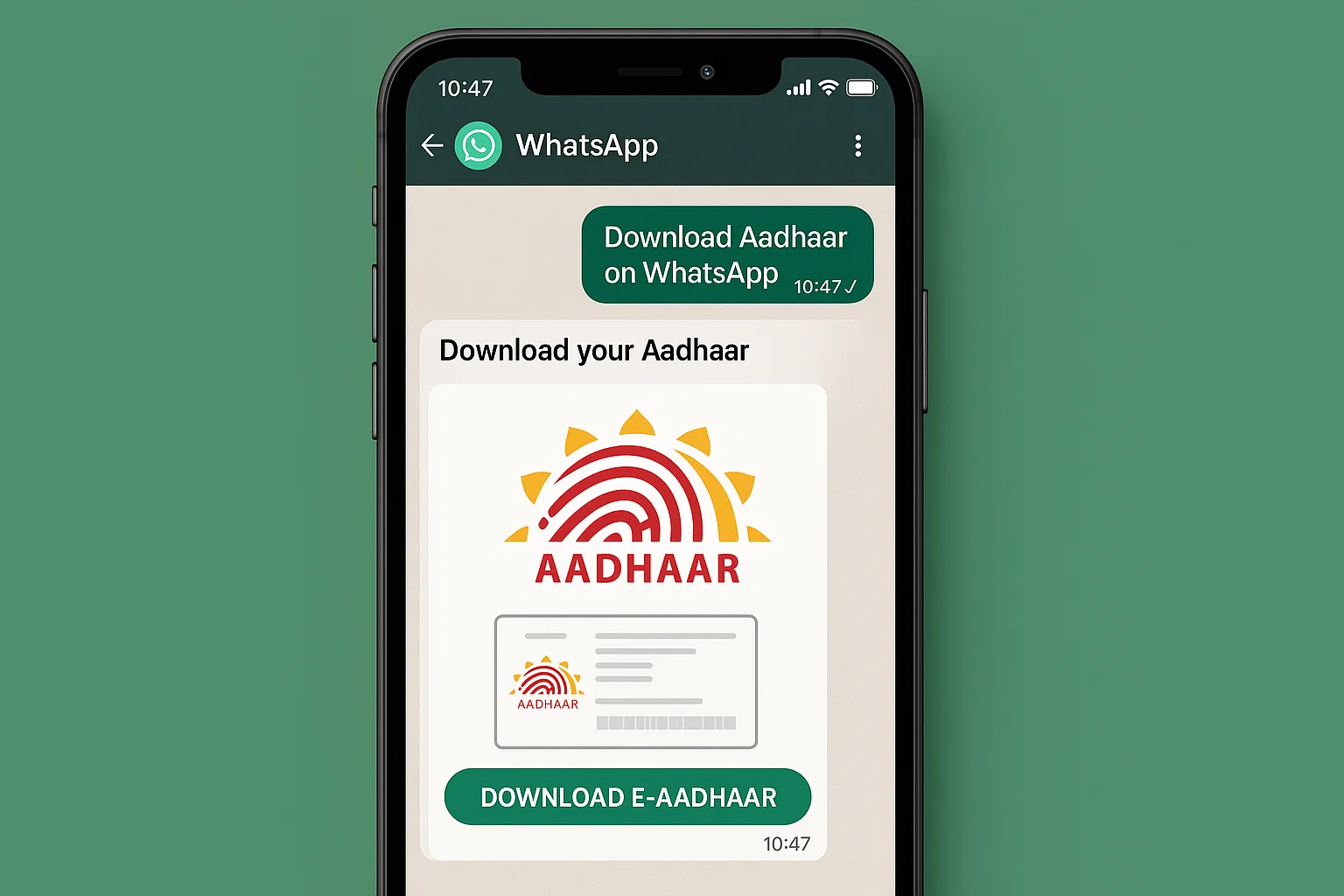
India’s Aadhaar ecosystem has reached a new level of digital convenience. The Aadhaar card, which is one of the most important identity documents for Indian citizens, can now be accessed directly through WhatsApp. This revolutionary step by the Government of India makes it faster and easier than ever to retrieve your Aadhaar securely without navigating multiple websites or apps.
Until recently, people relied on the UIDAI portal or DigiLocker to download their Aadhaar cards digitally. While these options still exist, the integration with WhatsApp now provides a more user-friendly, instant, and secure channel.
This article will explain in detail how to download Aadhaar card on WhatsApp, covering:
- Why this feature matters
- What you need before you start
- A step-by-step guide with a clear table
- Benefits and limitations
- 6 FAQs to clarify all doubts
1. Why Download Aadhaar Card on WhatsApp?
The Aadhaar card is a cornerstone of India’s digital identity infrastructure. It is needed for government services, banking, mobile SIM verification, tax filings, insurance claims, and more. Adding WhatsApp as a retrieval channel has several advantages:
- Ease of Use: WhatsApp is already installed on almost every smartphone, reducing the need for extra apps.
- Instant Access: Get your Aadhaar PDF within seconds.
- Official Government Service: The MyGov Helpdesk chatbot is government-run, ensuring safety and authenticity.
- 24/7 Availability: Access your Aadhaar card anytime, anywhere.
- No Additional Costs: The service is free for all users.
2. Requirements Before Downloading Aadhaar Card on WhatsApp
Before you proceed, make sure you meet the following criteria:
- Mobile Number Linked to Aadhaar: The OTP will be sent to this number.
- Active DigiLocker Account: Your Aadhaar must be linked with DigiLocker to retrieve it on WhatsApp.
- Official MyGov Helpdesk Number Saved: +91-9013151515 must be in your contacts.
- Updated WhatsApp App: Use the latest version for smooth service.
- Stable Internet Connection: To complete the OTP-based verification process quickly.
If your Aadhaar is not linked to DigiLocker yet, you need to do that via the DigiLocker website or app before using WhatsApp.
3. Step-by-Step Guide to Download Aadhaar Card on WhatsApp
| Step | Action | Details |
|---|---|---|
| 1 | Save MyGov Helpdesk Number | Save +91-9013151515 as “MyGov Helpdesk” in your contacts. |
| 2 | Open WhatsApp | Start a chat with the saved number. |
| 3 | Type a Greeting | Send “Hi” or “Namaste” to initiate the chatbot. |
| 4 | Choose DigiLocker Services | Select “DigiLocker Services” from the menu displayed. |
| 5 | Confirm DigiLocker Account | If you don’t have one, create it before proceeding. |
| 6 | Enter Aadhaar Number | Provide your 12-digit Aadhaar number for authentication. |
| 7 | Verify with OTP | Enter the OTP sent to your registered mobile number. |
| 8 | View Available Documents | The chatbot will display linked documents. |
| 9 | Select Aadhaar | Choose Aadhaar by typing the corresponding option. |
| 10 | Receive Aadhaar PDF | Your Aadhaar card will arrive as a PDF file directly in WhatsApp. |
4. Benefits of Downloading Aadhaar Card on WhatsApp
- Convenient Access: No need to log in to multiple platforms.
- Quick Retrieval: Get your Aadhaar card instantly after OTP verification.
- Secure Process: OTP-based verification and official chatbot ensure safety.
- No Extra Apps: Everything happens inside WhatsApp.
- Digital Record Keeping: Store Aadhaar PDFs securely on your phone.
5. Limitations of Aadhaar Card on WhatsApp
- One Document at a Time: You can retrieve only one document per session.
- Mandatory DigiLocker Linking: Aadhaar must be linked to DigiLocker first.
- OTP Required Every Time: Each request triggers a new OTP for security.
- Official Number Only: Always use +91-9013151515 for authenticity.
6. Common Mistakes to Avoid
- Entering an incorrect Aadhaar number.
- Using a mobile number not registered with Aadhaar.
- Forgetting to link DigiLocker before starting the process.
- Entering the wrong OTP or delaying OTP entry.
- Using unofficial or fraudulent numbers claiming to offer Aadhaar services.
7. WhatsApp vs UIDAI Portal vs DigiLocker
| Feature | WhatsApp (MyGov Helpdesk) | UIDAI Portal | DigiLocker |
|---|---|---|---|
| Ease of Use | ✅ Very Easy | ❌ More Complex | ❌ Moderate |
| Extra App Required | ❌ No | ✅ Yes (Website) | ✅ Yes (App) |
| OTP Verification | ✅ Yes | ✅ Yes | ✅ Yes |
| 24×7 Availability | ✅ Yes | ✅ Yes | ✅ Yes |
| Instant PDF Download | ✅ Yes | ✅ Yes | ✅ Yes |
8. Security and Privacy
Security is a top priority when dealing with sensitive documents like Aadhaar. The MyGov Helpdesk chatbot provides:
- Encrypted Communication: All chats are end-to-end encrypted via WhatsApp.
- OTP-Based Authentication: Only the registered mobile user can access the Aadhaar PDF.
- Official Government Number: Ensures authenticity and prevents fraud.
- Secure PDF Delivery: Your Aadhaar file is sent directly to your WhatsApp chat.
9. Tips for Using Aadhaar Card on WhatsApp Safely
- Always verify the official number (+91-9013151515) before sharing details.
- Never share your OTP with anyone.
- Save your Aadhaar PDF in a secure folder or password-protected file manager.
- Be cautious of suspicious links or calls claiming to offer Aadhaar download services.
10. Future of WhatsApp Integration
The government plans to expand the MyGov Helpdesk chatbot to include more services. In the future, citizens may also be able to download PAN cards, driving licenses, voter IDs, and ration cards directly from WhatsApp. This will make India’s digital governance even more seamless and user-friendly.
11. Summary
The ability to download Aadhaar card on WhatsApp represents a significant leap in India’s digital service delivery. Using the MyGov Helpdesk chatbot, citizens can retrieve their Aadhaar PDF within seconds — no websites, no extra apps, no hassle.
Whether you’re at home, in an office, or on the go, this feature ensures your Aadhaar card is always within reach.
12. FAQs – How to Download Aadhaar Card on WhatsApp
Q1. What is the official WhatsApp number to download Aadhaar?
A1. The official MyGov Helpdesk WhatsApp number is +91-9013151515.
Q2. Is the Aadhaar PDF password protected?
A2. Yes. Like UIDAI’s download, the PDF is password-protected. The password is the first four letters of your name in CAPS plus your birth year.
Q3. Can I download Aadhaar without linking DigiLocker?
A3. No. You must have an active DigiLocker account linked with your Aadhaar.
Q4. Is downloading Aadhaar card on WhatsApp free?
A4. Yes. The service is completely free for all users.
Q5. Can I download multiple documents at once?
A5. No. Only one document can be retrieved per session for security reasons.
Q6. What other documents can I access via WhatsApp?
A6. Apart from Aadhaar, you can access any other documents linked in your DigiLocker account such as driving license, PAN card, etc.
13. Conclusion
The government’s initiative to enable citizens to download Aadhaar card on WhatsApp using MyGov Helpdesk is a game changer. It saves time, improves security, and makes essential services more accessible to everyone. With this integration, India is moving one step closer to a fully digital identity ecosystem.
As more documents and services are added to the MyGov Helpdesk, WhatsApp may soon become the central hub for citizens to access their official documents instantly.
